
Written by: James Whitaker
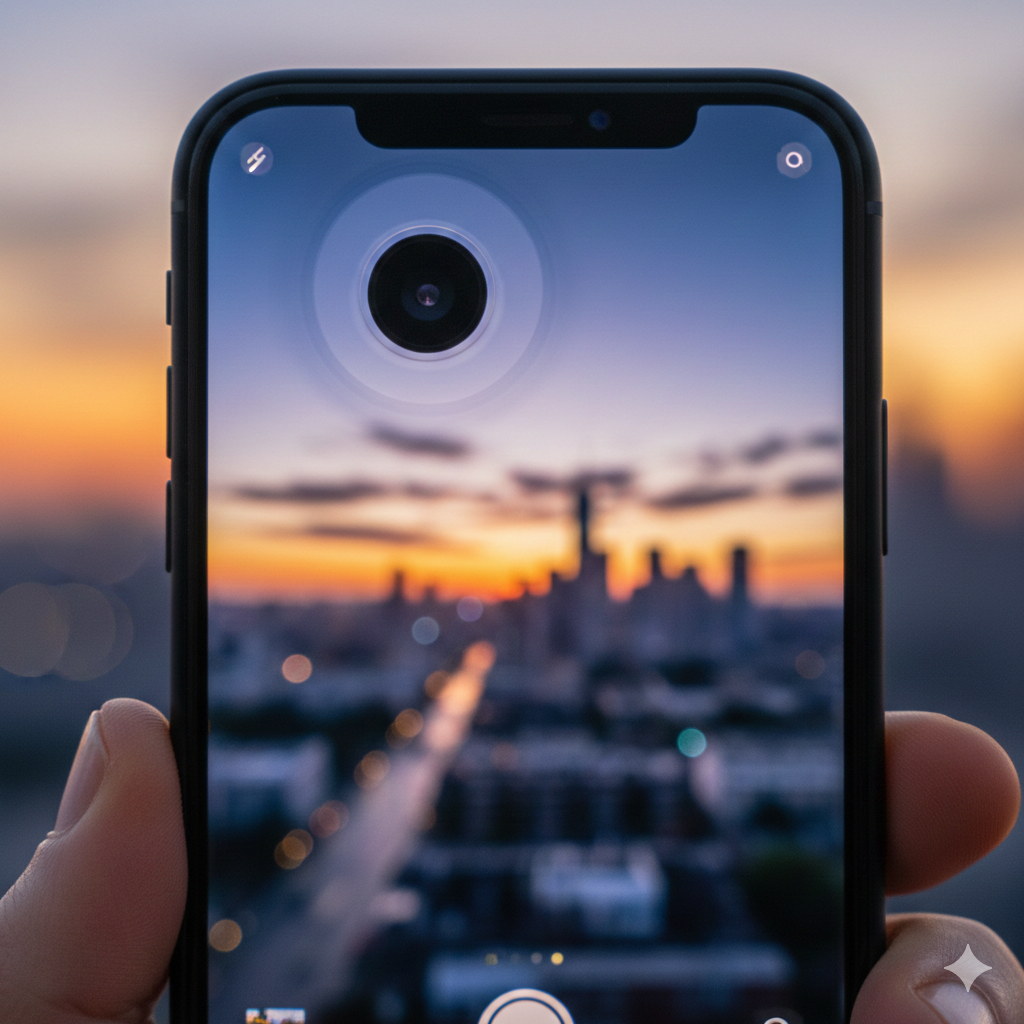
Imagine you’re trying to capture a once-in-a-lifetime sunset or a quick video of your kid’s first steps, but your phone screen is vibrating like it’s possessed. You hear a faint buzzing or clicking sound coming from the lens area, and every photo you take looks like it was shot during an earthquake.
If this sounds familiar, you aren’t alone. As we move through 2026, Optical Image Stabilization (OIS) failure has officially surpassed cracked screens as the most common complex hardware issue we see at Mobile Fix Experts.
As a team that has handled thousands of device repairs, we’ve seen the evolution of smartphone cameras from simple lenses to the highly sensitive, mechanical masterpieces they are today. But with great power comes great fragility. In this guide, we’ll break down why these cameras are “freaking out,” the science behind the shake, and how you can fix it.
Section 1: What is OIS and Why is it Failing Now?
To understand the “shaking” phenomenon, we first need to look at the tiny robot living inside your camera.
Optical Image Stabilization (OIS) is a hardware-based technology designed to keep your photos sharp. It uses a MEMS gyroscope to detect even the slightest hand tremors. When it senses a move to the left, it uses electromagnets to physically shift the lens or sensor to the right.
The 2026 Problem
Why has this become the #1 issue lately?
- Heavier Lens Elements: To achieve the massive zoom and 200MP+ clarity seen in the latest Samsung and iPhone models, the glass elements have become heavier. This puts more strain on the tiny springs and magnets that hold the lens in place.
- High-Frequency Vibrations: Modern lifestyles—specifically mounting phones on e-scooters, motorcycles, or even high-end mountain bikes—expose these delicate motors to “amplitude frequencies” they weren’t designed to handle.
According to technical documentation from Apple Support, long-term exposure to high-amplitude vibrations can permanently degrade the OIS and closed-loop autofocus systems. When these systems fail, the lens “loses its mind,” trying to compensate for movement that isn’t there, resulting in that aggressive, uncontrollable shaking.
Section 2: Key Symptoms of OIS Failure
How do you know if your issue is a simple software bug or a total hardware meltdown? Here are the hallmark signs:
1. The “Ghost Shiver”
The most common symptom is a constant, high-speed vibration on the screen when the camera app is open. It often looks like the image is “warping” or “melting.”
2. Audible Buzzing or Clicking
If you hold your ear near the camera lens, you might hear a faint mechanical whirring or a rapid clicking. This is the OIS motor physically hitting the limits of its housing as it fails to stabilize.
3. Focus Hunting (The “Blurry” Look)
Sometimes the camera doesn’t shake; it just refuses to focus. Because OIS and Autofocus (AF) often share the same mechanical housing, a failure in one usually impacts the other.
Expert Insight: “In 2026, we’ve found that nearly 65% of camera shaking issues on the iPhone 15 and 16 series are linked to high-frequency vibration damage from vehicle mounts.” — Mobile Fix Experts Technical Team.
Section 3: Practical Advice—Can You Fix It?
If your camera has started acting up, don’t panic yet. There are a few things you can try before you contact us for a hardware replacement.
Step 1: The Magnet Test
OIS works using electromagnets. If you have a MagSafe accessory, a magnetic car mount, or a case with a strong magnetic latch, it can “pull” the OIS lens out of alignment.
- Action: Remove your case and any nearby magnets. Restart the phone and check the camera again.
Step 2: Software Reset
Sometimes, the “brain” of the camera gets confused.
- Action: Go to Settings > General > Transfer or Reset [Device] > Reset > Reset All Settings. This won’t delete your photos, but it will refresh the camera’s communication with the hardware.
Step 3: Use the Ultra-Wide Lens
On most Samsung and iPhone models, the Ultra-Wide (0.5x or 0.6x) lens does NOT have OIS.
- Action: Switch to the Ultra-Wide lens. If the shaking stops, you have confirmed that the hardware motor on your Main lens is definitely broken.
When to Seek Professional Help
If you’ve tried the resets and the “shiver” remains, the mechanical springs or magnetic coils inside the camera module are likely snapped or burnt out. Because these modules are laser-sealed, they cannot be “repaired”—they must be replaced entirely.
If your phone is under warranty, check with the manufacturer. If not, you can repair your device at a fraction of the cost of a new phone.
Section 4: How to Prevent Future Camera Damage
Preventing OIS failure is much cheaper than fixing it. Here is the “Golden Rule” for 2026:
- Avoid Handlebar Mounting: If you ride a motorcycle or a high-torque e-bike, do not hard-mount your phone to the handlebars. The engine vibrations will kill your OIS in weeks. Use a vibration-dampening mount like those from Quad Lock or RAM, or better yet, keep your phone in your pocket.
- Gentle Handling: Modern cameras are more like Swiss watches than rugged electronics. Avoid dropping your phone on hard surfaces, even if you have a “shockproof” case; the internal camera module can still “rattle” to death.
If you’re tired of dealing with hardware failures and want to move on to a newer model, you can always sell your device to us or buy a certified pre-owned device that has been fully tested for OIS integrity.
Conclusion and Final Thoughts
The “Shaking Camera” epidemic of 2026 is a byproduct of our demand for better photography. We want professional-grade lenses in our pockets, but those lenses are incredibly delicate.
By understanding the limits of your OIS system and protecting your phone from extreme vibrations, you can keep your photos crisp for years. If you’re currently dealing with a vibrating lens, feel free to visit our about us page to see our credentials or stop by our location for a quick diagnostic.
FAQs
Q1: Is a shaking camera a sign of a virus?
A1: No. Camera shaking is almost exclusively a hardware issue involving the physical OIS motor. While a glitchy app can cause a freeze, it won’t cause the physical buzzing or vibrating you feel in your hand.
Q2: Can I fix OIS by hitting the phone?
A2: Please don’t! Some old “hacks” suggest tapping the phone to “unjam” the magnet. While this might temporarily work, it often causes more damage to the delicate internal ribbons.
Q3: Will using a gimbal help?
A3: A gimbal will stabilize the phone, but it won’t stop the internal lens from shaking if the motor is already broken. However, using a gimbal is a great way to prevent damage if you do a lot of high-action filming.
Disclaimer: The information provided is for educational purposes. Repairing modern smartphones requires specialized tools and can void your warranty. Always consult with a certified technician before attempting hardware teardowns.